Shadow AI in approved software: what Atlassian Rovo shows
What exactly is shadow AI? Often an update to software you approved years ago. Using Jira Rovo as the example: what to check for your AI governance.

Shadow AI used to have a clear shape: employees paste confidential data into ChatGPT because the approved tools are too slow, and IT never hears about it. Gartner predicts that by 2030, more than 40% of enterprises will experience security or compliance incidents linked to unauthorized shadow AI. Most organizations have a playbook for that by now: a policy, some training, an approved alternative.
That playbook assumes shadow AI comes in through a tool someone picked themselves, and more and more often it doesn't. The AI arrives by update, inside software IT signed off on years ago, and switches on in the collaboration tools, service desks and wikis your teams already use every day. Nobody broke a policy, so no policy flags it.
This second form of shadow AI is harder to spot and harder to govern, because the approval it runs under was given for something else. Atlassian Rovo, now running inside Jira and Confluence, is one of the clearest examples, and a good test for any AI governance policy: can you actually switch it off, and what applies as long as nobody touches the defaults? Below, we look first at what makes this kind of shadow AI different, then use Rovo as a practical example to show which features you can disable and which you can't, where your data goes, and which controls you have to set yourself.
Key takeaways
Shadow AI now has a second, quieter form
The classic definition (unapproved tools, personal accounts) misses the case where software you approved long ago gains a new AI feature or new data access after approval, without anybody having to sign off on it again.
Below Enterprise, Rovo can only be blocked per app
On Standard and Premium, admins can block Rovo for whole apps but can't switch off a single AI feature inside one. Enterprise organizations on Atlassian's new access experience can also turn individual features such as Agents and Chat on or off. Search, Chat and Create with Rovo stay available as long as any Jira app on the same site still uses Rovo.
Since August 17, 2026, Atlassian uses your data to improve its AI by default
Only Enterprise customers can fully exclude metadata. Among the subprocessors Atlassian lists for its AI features are Databricks and OpenAI, both located in the US.
Defaults widen what the AI can see, without anyone opting in
Teamwork Graph's Microsoft Teams connector indexes every message by default, private chats included. Admins can limit which teams and channels get indexed, but Atlassian's documentation describes no way to exclude private chats.
Controls exist, but the starting point stays the same
App blocklists, IP restrictions, data residency and, on Enterprise, customer-managed keys all work. Someone has to configure them, and until then Atlassian's defaults apply.
AI sovereignty is decided at runtime, whatever the contract says
A platform that makes AI switchable from the ground up, and controllable per model, answers the governance question differently from one that adds controls afterwards.
What is shadow AI? The second form most policies miss
What is shadow AI in the classic sense? Employees using AI tools that IT never approved, usually through personal accounts. How widespread that is shows up in the AI Governance Benchmark 2026, a June 2026 survey of 300 decision-makers at companies with 500 or more employees. Unapproved generative AI tools are used occasionally in 42% of those companies and frequently in another 34%. Only 9% ban external AI tools outright. For this kind of shadow AI, policies, training and approved alternatives do work, because the problem has a clear entry point: a tool someone outside IT picked.
An analysis published in August 2026 describes a second, quieter form. Approved software turns into shadow AI when its features, integrations or data access change after approval and nobody reviews the change. The approval becomes a snapshot, and it goes stale the moment the vendor switches on something new.
Rovo is a textbook case.
Many organizations approved Jira and Confluence years ago, and what they reviewed back then was ticketing and a wiki. Rovo came later, by update, and has been running under that old approval ever since. Obsidian Security shows how big this blind spot can get. Across customer environments, it recorded almost 70,000 interactions between users and company data in just 30 days, all through AI features built into SaaS apps that had already been approved. Rovo is named as an example, alongside AI features in Slack and Zendesk.
What Atlassian Rovo does in Jira and Confluence
Rovo is Atlassian's AI app, built into Jira, Confluence, Bitbucket and the rest of its cloud apps. Jira Rovo and Confluence Rovo are the same Rovo, showing up in different places.
Four parts of it matter for governance:
Rovo Search looks across connected systems and returns results, often with an AI-generated answer on top.
Rovo Chat is where people ask questions in conversation.
In Rovo Studio, teams build their own AI agents, either step by step or by describing them to Rovo Chat; these agents can create tickets, summarize Confluence pages or trigger workflows.
Teamwork Graph sits underneath: it connects data from Atlassian's apps and from the outside tools admins connect, so Search, Chat and the agents have something to answer from.
That last part is what makes Rovo more than a search feature.
Through connectors, Teamwork Graph also pulls in outside sources such as Microsoft Teams. So the scope of what the AI sees wasn't settled when you bought Jira and Confluence. It grows with every connector someone switches on later.
What you can switch off, and what you can't
So can you switch off the AI in Jira and Confluence? Partly. According to Atlassian's support documentation on managing Rovo access, Rovo is blocked per app: "Blocking an app will disable all current and upcoming AI features for that app." On Standard and Premium, there is no option for turning off a single AI feature inside an app you keep using.
Even the block has gaps. Block Rovo for one of several Jira apps, and AI-powered Search, Chat and Create with Rovo stay available as long as another Jira app on the same site still has Rovo enabled.
Atlassian does offer controls. Which ones you get depends on your plan:
App blocklists (Standard and up) and app and group allowlists (Enterprise): you decide which apps Rovo may run in at all, and on Enterprise, which user groups may use it.
IP restrictions (Premium and up): Rovo is only reachable from networks you approve. This also covers external tools that connect to Rovo through the Model Context Protocol (MCP), the open standard that lets outside tools plug into an AI system.
Customer-managed keys (Enterprise, paid add-on): you hold the keys your data is encrypted with.
Data residency (Standard and up): you choose the region your data is stored in.
Atlassian-hosted models only (Enterprise, on request through Atlassian support): Rovo then uses only models Atlassian runs itself, instead of those from outside providers.
Rovo agent controls: on Standard and up, you decide who can create agents. On Enterprise, you can also switch agents on or off per app and user group.
With these, Rovo can be fenced in properly. But while Rovo itself is switched on automatically on Standard, Premium and Enterprise, none of these controls is active from day one. Until someone sets them up, Rovo runs in the default state Atlassian chose.
Teamwork Graph's Microsoft Teams connector shows how far from safe that default can be. According to Atlassian's own documentation, it indexes every Teams message by default, private chats and private channels included. During setup, admins can limit which teams and channels get indexed and change that later, but the documentation describes no way to exclude private chats. How far back it reads messages can only be set at setup. Each user only sees results they can already access in Teams, but all of it sits in Atlassian's index.
Where your Jira and Confluence data is processed
Since August 17, 2026, the stakes are higher. Atlassian now uses metadata and in-app data, meaning the content your users create from Jira, Confluence, Jira Service Management and its platform apps, Rovo included, to improve its apps and AI experiences. On the Free and Standard plans, this is on by default for both kinds of data. On Premium and Enterprise, only metadata is on by default.
These defaults follow the highest active plan in your Atlassian organization. Every plan can switch off the use of content. The use of metadata can only be switched off on Enterprise; on Free, Standard and Premium it is always on. Some organizations are excluded entirely, including those on Atlassian Government Cloud or Isolated Cloud, those using customer-managed keys and those with HIPAA compliance configured.
Who handles your data along the way is set out in Atlassian's list of subprocessors. For Rovo, it names Databricks as infrastructure for developing and training machine learning models, and OpenAI and Google Vertex AI as generative AI providers, among others. Databricks and OpenAI are listed with a US location, Google Vertex AI with locations in the US, the EEA and Asia. According to Atlassian, the outside model providers may not use your data to train their own models, and they work under zero data retention agreements, meaning they don't keep it.
Whether this data use is compatible with the GDPR is still legally unresolved, in the view of several advisors, partly because Atlassian may shift from processor to controller here: from handling data on your behalf to deciding for itself how it gets used. As of October 2026, we found no public statement on Rovo or on Atlassian's change in data use from any European data protection authority, the EDPB, the UK's ICO or Switzerland's FDPIC. For now, your legal team has to assess the question itself, starting with your data processing agreement with Atlassian and your organization's data contribution settings.
For organizations operating in the EU, the AI Act adds another layer. Since August 2, 2026, the transparency obligations in Article 50 apply. Put simply, people must be told when they're interacting with an AI system, and providers of generative AI must mark AI-generated audio, images, video and text in a machine-readable way, with exceptions such as purely assistive editing.
Under the Digital Omnibus, in force since July 2026, systems already on the market before August 2 have until December 2, 2026 to add that marking. These obligations fall mainly on providers, Atlassian in this case, and could cover Rovo Chat and Rovo Agents. Companies using Rovo have their own duties as deployers, for example when they publish AI-generated text on matters of public interest. The Commission has published general Article 50 guidelines, but no regulator has yet said how they apply to Rovo.
What this means for your AI governance
Every Rovo risk in this article comes with a switch, and none of them is flipped for you. Atlassian's defaults apply until someone in your organization changes them. In most organizations nobody has, because the last time anyone reviewed Jira and Confluence, Rovo didn't exist yet. That is the shadow AI pattern from the start of this article: the approval is a snapshot, and Rovo arrived after it was taken.
So review Rovo the way you would review any new AI tool someone wants to bring in:
Where does it run? List the apps Rovo is active in and decide which ones it should run in.
What can it see? Check every Teamwork Graph connector that's switched on, and its scope, starting with Microsoft Teams.
What happens to your data? Check your data contribution settings and the subprocessor list, and have legal compare both against your data processing agreement.
Who owns the answer? Ask Atlassian how Rovo meets its Article 50 obligations, and write the answer and a named owner into your AI policy.
The list also shows why a contract alone doesn't settle the question. Your data processing agreement covers what Atlassian promises to do with your data. It can't tell you whether someone connected Microsoft Teams last spring and kept the default scope. That gets decided in the admin console, by whoever did the setup. Control over AI is something you verify in the running system, one setting at a time.
We hear the same thing from organizations that have already worked through this. Over the past two months, we talked with three large organizations, and their requirements were almost identical. AI processing runs on their own infrastructure, data leaves only in periodic exports that someone reviews first, and sensitive data stays in their own systems. In all three cases, this was a fixed rule of their IT governance.
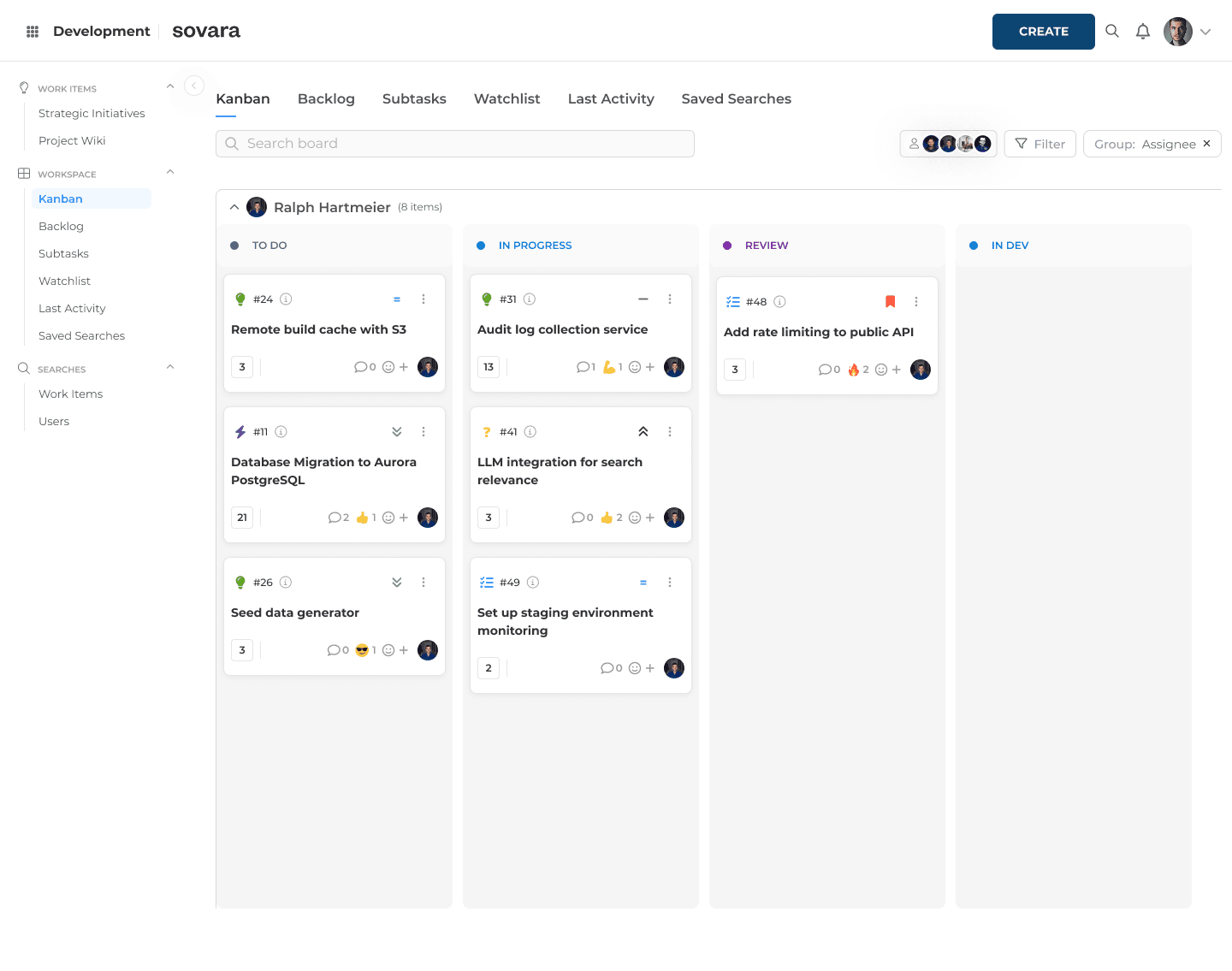
There are two ways to get there. One option is sovara, the European alternative to Jira and Confluence that we build at rready. Moving costs a one-off migration effort, set against a license model that, by our own estimate, costs up to 30% less than comparable Atlassian Cloud setups with Marketplace apps.
In sovara, you choose which AI model, if any, gets access to your data. You decide where AI requests go: a secure cloud, a model you host yourself, or European providers such as Mistral AI. Or you leave AI off entirely. AAI tools reach sovara's data through the Model Context Protocol, the same open standard mentioned above, or through sovara's API. That gives you defined connections to control, instead of AI features spread across every app. If you pick a model from a US provider, that provider's jurisdiction still applies. What changes is that you made the choice, and you can see that you made it.
sovara deserves the same scrutiny this article applied to Atlassian. The platform as a whole is certified to ISO/IEC 27001:2022 and externally audited. That certificate covers rready's information security management system and makes no separate statement about the AI layer. Whether that's enough for your use case belongs in the security review you'd run on any vendor before signing. The details are in rready's Digital Sovereignty Trust Center.
Whichever platform you choose, the test from the start of this article still applies: what happens when nobody touches the defaults? Ask it of every vendor, us included.
FAQ
What is shadow AI?
Shadow AI is AI used at work without IT's approval. In its classic form, employees use tools like ChatGPT through personal accounts. In its second form, software that is already approved gains AI features or new data access after approval and nobody reviews the change, which is what happened with Atlassian Rovo in Jira and Confluence.
Can you disable Rovo in Jira and Confluence completely?
Yes, by blocking Rovo for every app. Below Enterprise, it only works per app, not per feature. Enterprise organizations on Atlassian's new access experience can also switch off individual features such as Agents and Chat. AI-powered Search, Chat and Create with Rovo stay available as long as any Jira app on the same site still uses Rovo.
Does Atlassian use our Jira and Confluence data to train AI?
By default, yes, since August 17, 2026: metadata on every plan, content on Free and Standard. Atlassian says it uses the data to improve its apps and AI experiences; for metadata, that includes training its search models and fine-tuning open-source models it runs itself. Every plan can switch off the use of content, but only Enterprise can also switch off metadata. According to Atlassian, outside model providers such as OpenAI and Google don't receive the data to train their own models.
Does the EU AI Act apply to Atlassian Rovo?
Possibly, for Rovo Chat and Rovo Agents, through the Article 50 transparency obligations in force since August 2, 2026. For systems already on the market, the deadline for machine-readable marking is December 2, 2026. No regulator has yet applied these obligations to Atlassian specifically.

Read more

Confluence alternative: What to check before migrating
Can a Confluence alternative really replace your wiki? Six checks before you switch, comparing XWiki, Phonemos, OpenProject and sovara.
Shadow AI in approved software: what Atlassian Rovo shows
What exactly is shadow AI? Often an update to software you approved years ago. Using Jira Rovo as the example: what to check for your AI governance.

Atlassian Data Center End of Life: Migrate, stay or leave
Atlassian Data Center EOL lands March 28, 2029. See the verified timeline, what's in scope, the licensing math, and the three destinations now open to you.