You didn’t adopt Jira. You built an Operating System.
Atlassian Data Center ends in 2029. But migration doesn’t start with a data export. It starts with understanding what you’ve built over the years.


If you’re the person who actually owns Jira and Confluence at your organization, you already know something most of the business doesn’t: what you’re running stopped being just another “tool” a long time ago.
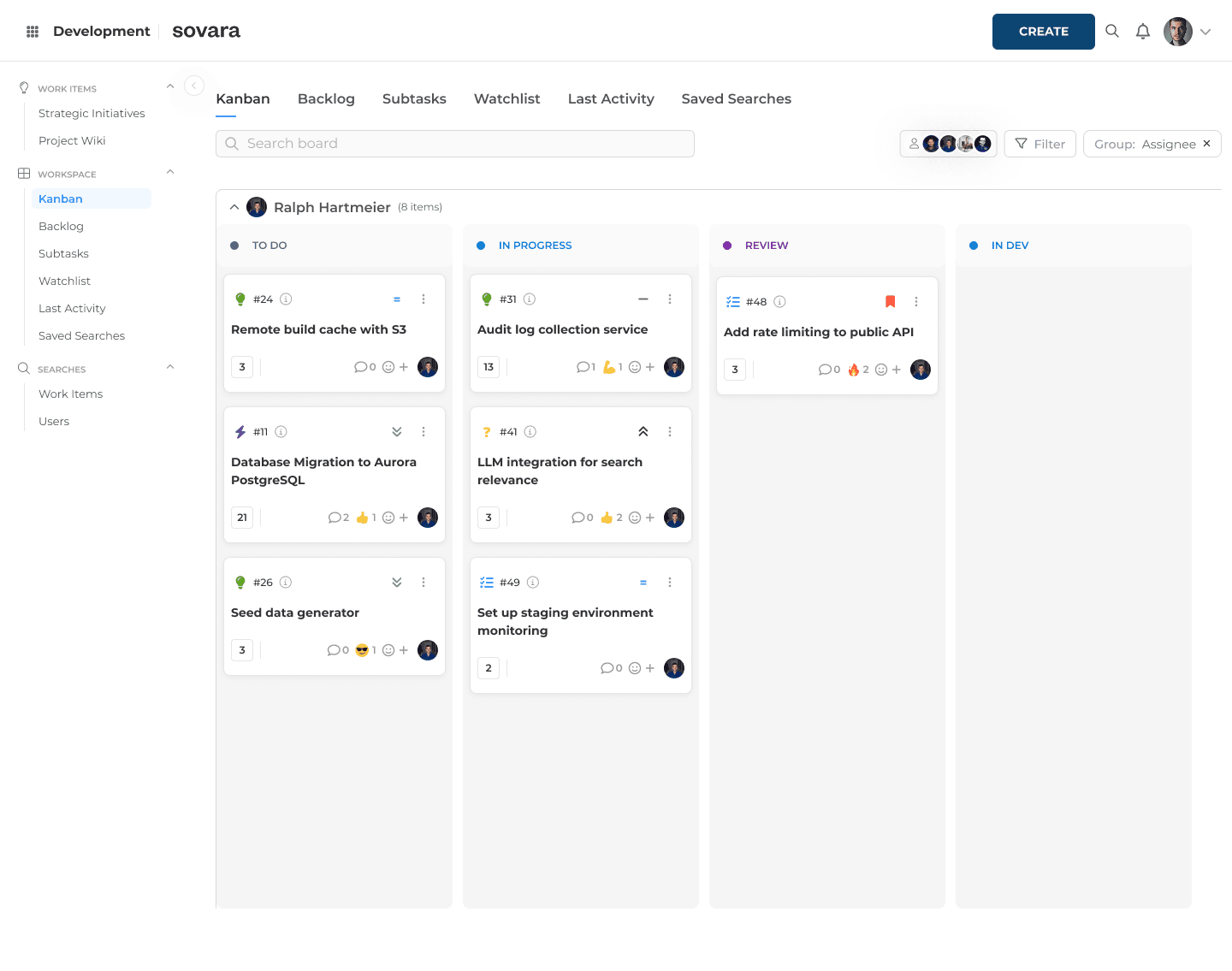
To everyone else, it’s where tickets live. To you, it’s the accumulated record of a decade of decisions: workflows that encode exactly how a change request is allowed to move through your organization, permission schemes that mirror your reporting lines, and notification rules that determine who needs to know what, and when.
And then there’s Confluence, woven so tightly into the same system that architecture decisions, project charters, and key decisions often only make sense alongside the Jira tickets they reference.
Somewhere along the way, without a dedicated project, a budget, or even a name for it, you built the operating system your company’s work actually runs on. One scheme, one workflow, one field, one integration at a time.
That distinction matters, because most conversations about “modernizing” this setup start from the opposite assumption: that underneath it all is just a Kanban board with a few extra fields, and replacing it is little more than exporting the data and putting a new interface on top.
You know that isn’t true. You’re the one who has to explain what breaks when a scheme is changed, why a field that “should be there” suddenly isn’t, or why the steering committee’s favorite dashboard starts showing the wrong numbers after someone renames a project.
So before getting into the technical details, it’s worth being precise about what this operating system is actually made of. It’s rarely documented in one place, and naming it clearly is the only honest starting point for deciding what should happen to it next.
Key takeaways
Jira and Confluence didn't stay a tool. They became the company's unwritten operating system. A decade of schemes, workflows, and permissions now encodes exactly how work is allowed to move, who sees what, and who gets notified when. Nobody wrote it down, because the people who built it simply knew it.
The real complexity lives in six layers a demo never shows. Schemes, workflows, fields, permissions, dashboards, and Marketplace apps each fail in their own quiet way; a field that clears three of four hurdles simply doesn't render, a workflow event with no notification configured isn't broken, it's just silent.
Atlassian's 2029 Data Center end-of-life deadline forces the decision, but it doesn't simplify it. The clock is real. What has to move before that date is not obvious from the outside.
Mapping the estate has to come before migrating it, and that's where sovara draws the line. rready starts by scoping what falls inside sovara's migration guarantee (tickets, workflows, automations, core configuration) versus what needs its own conversation first (plugins, custom code).
One engine, three products, and Confluence wired through all of it
Jira is a suite, not a single application. Jira Software, Jira Work Management, and Jira Service Management all run on the same issue engine: issues, workflows, fields, notifications, schemes; but they don’t share a UI, an audience, or a SKU:
Jira Software: dev and delivery teams: Scrum and Kanban boards, sprints, versions
Jira Work Management: business teams like HR, legal, and ops: simpler task templates for non-dev processes
Jira Service Management: support and service desks: customer portal, request types, SLAs
Most enterprise estates run more than one of these at once, often on Data Center, Atlassian’s self-managed cluster architecture, still the standard wherever data residency, regulatory obligations, or a private-cloud mandate rule out Atlassian’s public cloud, and the one with a hard deadline attached: Atlassian ends Data Center support in 2029. Several nodes, one shared database, one shared home for plugins and data, all behaving as a single logical instance. And sitting alongside all of it, Confluence Data Center: not a separate silo, but macros pulling live Jira data into spec pages, meeting notes referencing tickets by key, architecture decisions that reference the epics they came from. None of that shows up in a feature comparison. All of it is part of what you’d actually have to account for.
The real operating system is schemes
Here’s the mechanism most outsiders never learn: a Jira project isn’t a folder. It’s a typed container, and everything about how it behaves (which issue types exist, which fields appear, which screens show up on create versus edit, which workflow governs status changes, who gets notified, who’s allowed to see what) is defined by a scheme, and schemes get mapped onto projects rather than built into them one by one.
That’s what lets a well-run estate operate 1,300 projects on roughly 200 shared workflows instead of reinventing the process every time a team spins up. It’s also, when governance slips, how estates end up with hundreds of nearly identical but subtly different configurations that nobody can safely touch anymore. “Can this tool support workflows” was never the interesting question. The interesting one is whether you can define an operating model once, roll it out broadly, allow controlled variation where teams genuinely need it, and still govern changes centrally, years in, often after the people who originally built it have moved on.
Boards were never the workflow
A board is a view. Scrum adds a backlog and sprints on top of it; Kanban adds WIP limits; either way, the columns simply map to statuses. Relabel a column and you’ve changed what people see, not what actually happens. That’s exactly why a demo built around boards tells you almost nothing about what you’d need to replace.
The actual process lives one layer deeper, in the workflow itself: transitions that only run one direction (a “return” step is its own separate transition), conditions that decide whether a transition is even visible, validators that decide whether a click is allowed through, and post-functions that fire the real side effects: setting a resolution, assigning someone, kicking off a webhook.
When your workflow has grown to “forty post-functions,” that’s usually not stock Jira anymore. That’s ScriptRunner, or JSU, or JWT, or JMWE, quietly doing the real work behind a diagram that still looks simple on the surface.
Fields have to survive four layers to even appear
Custom fields aren’t global. Each one lives in a context, a specific combination of project and issue type, and if that context doesn’t exist, the field isn’t hidden, it simply doesn’t exist there. To actually render on a screen, a field has to clear four separate hurdles: a context for this project and type, a slot on the screen, that screen being the one currently assigned for create, edit, or view, and that screen scheme being the one selected for this project. Miss any one of the four, and “I just added a field” quietly does nothing.
This is where the scale of what you’ve built shows. Thousands of custom fields isn’t a data-mapping exercise waiting to happen. It’s your company’s operating vocabulary, the specific words HR, legal, or delivery use for their own processes, wired into contexts, screens, workflows, filters, and reports. Treating that as a flat list of field names to “map and go” misses what it actually is.
Permissions are a stack, and mail is an event bus
Access isn’t one setting. It’s application access at the license level, then global permissions, then a permission scheme on the project (ideally bound to roles rather than hard-coded groups someone will rename next reorg), with an optional issue-security scheme layered on top for the individual issues that need tighter visibility than the project as a whole.
Notifications run the same way: outgoing mail fires off events tied to a notification scheme, incoming mail handlers create or comment on tickets from a shared mailbox, and people subscribe to saved filters for their own digest. A custom workflow event with no notification configured against it isn’t broken. It’s just silent, which is why “we get an email when X happens” is a process decision your team made, not a checkbox someone forgot.
Filters and dashboards are the reporting system nobody wrote down
Search has a quick mode, a basic mode, and JQL, a WHERE clause, not a report generator. Filters are saved JQL, and dashboards are gadgets built on top of those saved filters. In an estate that’s been live for years, this layer is usually enormous, and it’s usually exactly what leadership looks at. The slide the steering committee reviews every month is typically three or four filters deep, built by someone who’s since moved teams. Any honest look at what this estate actually contains has to include this layer, not just the issues, but everything built on top of them.
Marketplace apps are where a lot of the real logic lives
Apps from Atlassian’s Marketplace, or sideloaded as JARs in air-gapped environments, have to match the hosting model exactly; a Server-era app running on a Data Center node produces exactly the kind of “unexpected behavior” nobody can reproduce on a support call. ScriptRunner for scripted logic, JSU/JWT/JMWE for no-code workflow extensions, Structure for portfolio hierarchies, plus test-management, time-tracking, and CMDB tools sitting on the same issue engine: none of that is decoration. In a lot of estates, it’s where the real process logic actually runs, and any inventory of “what this system does” that skips it is incomplete before it starts.
Why rready starts by mapping what you built
None of this is an argument against change. It’s an argument for taking seriously what change actually involves. Over years of real use, Jira and Confluence together absorb a company’s processes, its internal vocabulary, its reporting, and its governance, and most of that lives in configuration nobody ever had reason to fully document, because the people who built it simply knew it, the way you know it.
That’s why we start with a conversation, to:
Scope the estate: A conversation about your setup at a high level: project count, integrations, and the pain points you already know about.
Map what’s actually there: A session against your real schemes, workflows, fields, permissions, and Marketplace apps, instead of a generic checklist.
Get a scope overview, not a slide deck: What falls inside sovara’s migration guarantee (tickets, workflows, automations, and core configuration, backed by a money-back guarantee), and what sits outside it (plugins and custom code), which gets its own conversation before any date gets set.
An operating system at this scale took years of hard work to build, one scheme, one workflow, one integration at a time, and that kind of work doesn't get replaced with a data export and a new interface on top. Understanding it first, before anyone (rready included) gets to pitch against it, is what's actually required here.

Read more

Jira cost in 2026: the real price of Jira and Confluence
Jira cost and Confluence pricing for 2026: Cloud and Data Center list prices, plus the apps, Guard and price increases a quote leaves out.
What the CLOUD Act means for European companies
The CLOUD Act follows the provider, not the server. What it means for work tools, and how to audit your stack in four steps.

Shadow AI in approved software: what Atlassian Rovo shows
What exactly is shadow AI? Often an update to software you approved years ago. Using Jira Rovo as the example: what to check for your AI governance.