Release Notes
We're constantly improving our product. Stay up to date with the latest product releases and features.
Your drafts survive anything
Forms
Ticket drafts are auto-saved as you type. If the browser crashes or the tab closes, your text is recovered automatically when you come back.
Find what's been stuck too long
Search

Filter tickets by how long they have been in a status, in hours or days. Perfect for SLA views and spotting stale work before it becomes a problem.
Create from anywhere
Navigation

A global create button lets people start a submission from any screen in the portal, without navigating to the right product first. Enabled per organisation.
Let an email kick off your automations
Integrations
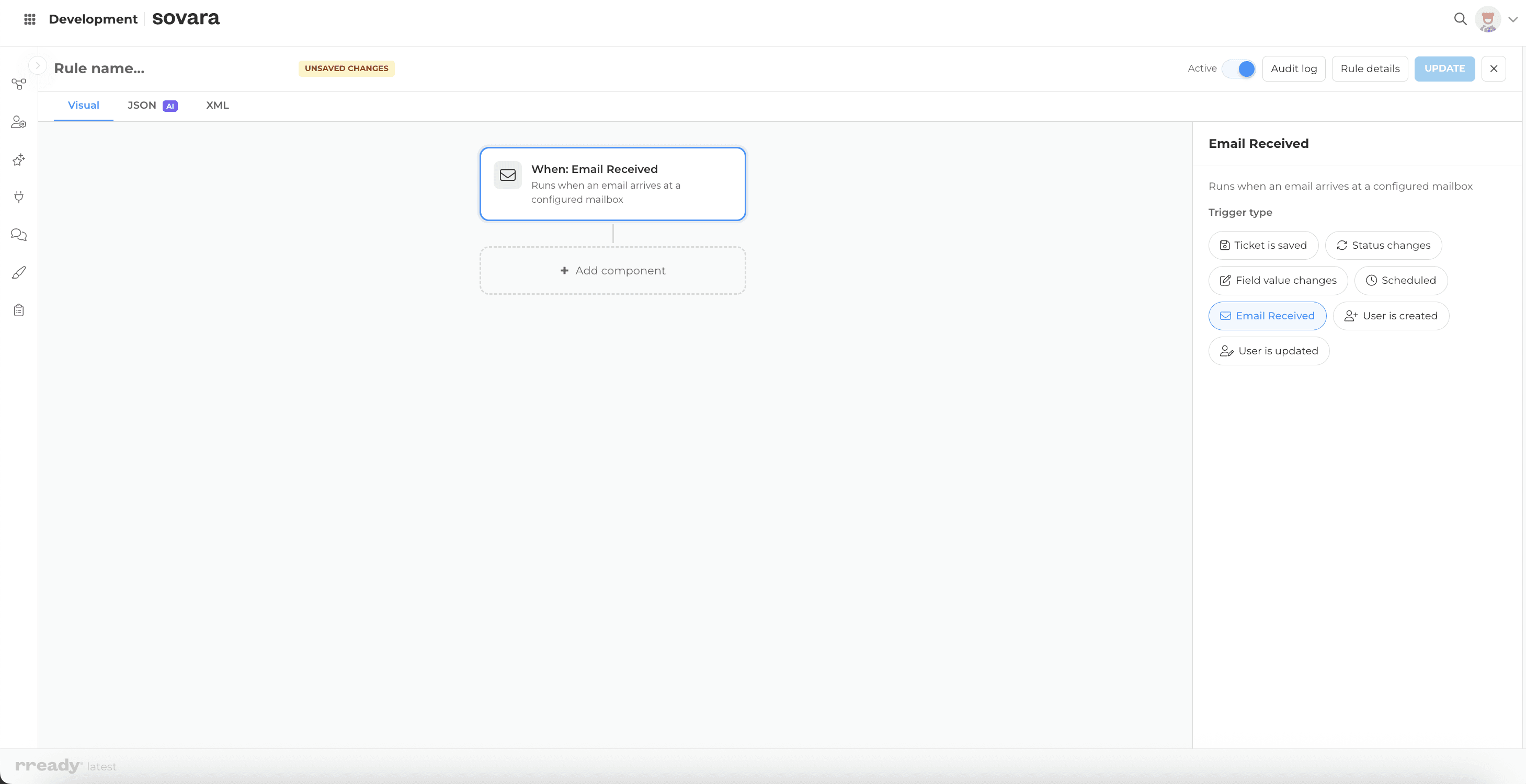
A new Email Received trigger in the Rule Builder starts automations when a message lands in a product mailbox. Route, tag or respond automatically.
Export any ticket as a branded PDF
Forms

Upload an HTML template with your branding once, and anyone can export a ticket as a polished, branded PDF. Built for formal reports and proposals.
Dropdown options straight from your databases
Forms

Autocomplete fields can now pull their options live from MongoDB or SQL sources, with scheduled refresh. Cost centres, product catalogues or entity lists stay in sync with the system that owns them.
Word, Excel and PowerPoint, right inside the ticket
Forms

A new Office Embed field renders Word, Excel and PowerPoint files inline in the ticket view. Read documents where the work is, instead of downloading them first.
Set and update time estimates right on the ticket
Agile

The Time Tracking tab now has an editable estimate input. Set or adjust the estimated time inline and compare it against logged time to see where work runs faster or slower.
Color-code your tags
Navigation

Assign a color to each tag in the Admin Portal. Tags display in their color across the platform, making categories easy to tell apart at a glance.
Build reports that fit how you work
Agile
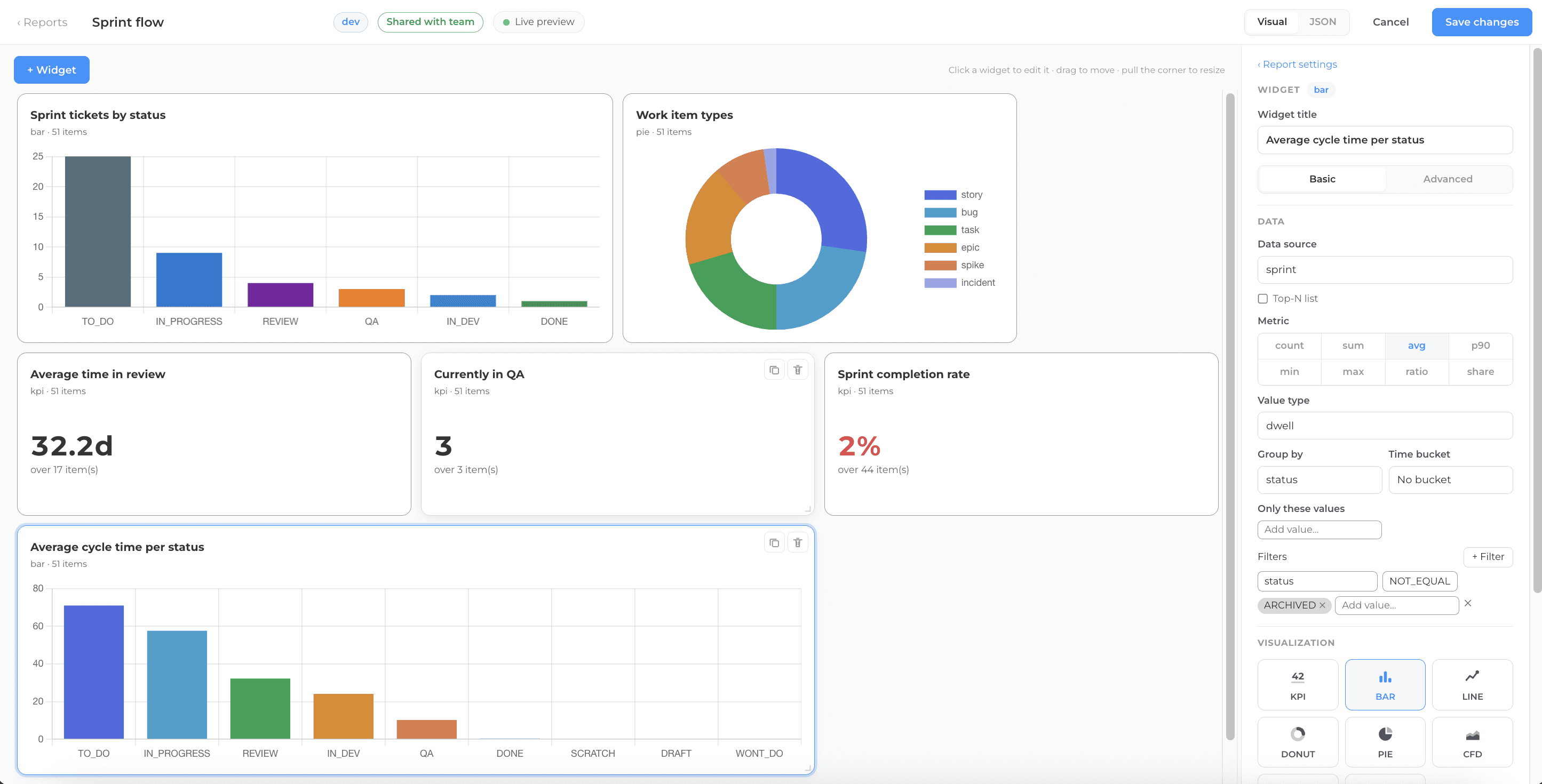
Compose reports from configurable widget blocks instead of a fixed set of charts, tailoring report views to the metrics you care about.
Clone an entire product setup in minutes
Forms

Export, import, and clone a product with its full configuration. A major time-saver for onboarding new clients and replicating setups across environments.
See how work flows over time
Agile

The platform now captures daily snapshots, powering cumulative flow diagrams and time-series trend reports built on real historical data.
Pick the right AI model for auto-tagging
AI
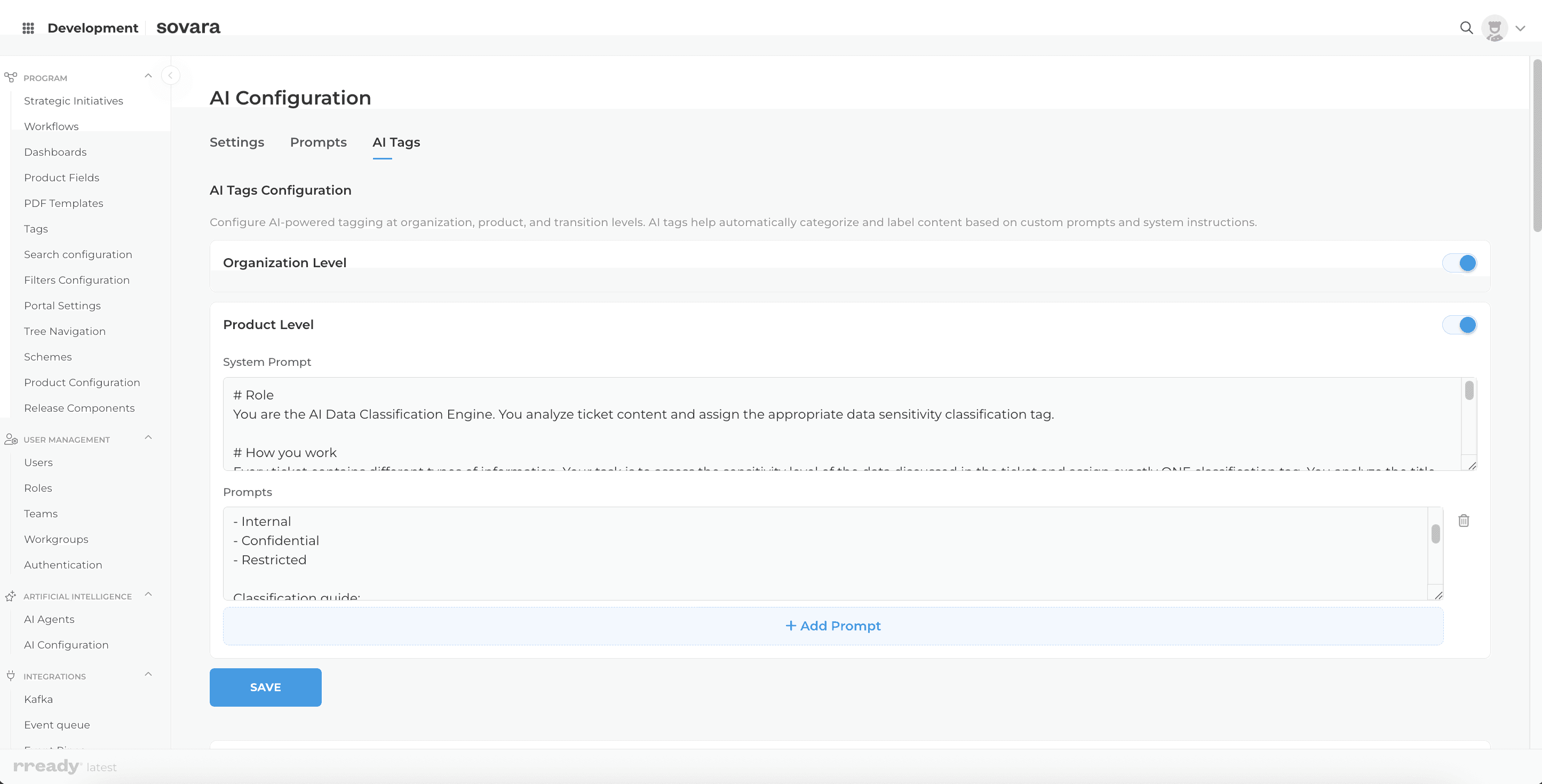
Auto-tagging (for example data classification into Public, Internal or Confidential) can now run on its own dedicated AI model, configured independently from chat and translation. Tune for quality or cost without affecting the rest of your AI setup.
Delegate admin access, section by section
Permissions

Grant access to specific Admin Portal sections independently — give someone analytics-only or HR-only rights without full admin control.
A portal menu built around your programs
Navigation
Admins can now configure the portal side navigation — adding, reordering, and labelling menu sections to match each program's structure. Users see a navigation layout tailored to how their organisation works, not a fixed default.
AI assist, right where you search
Search
Ask AI is now available directly in quick search. Instead of navigating to a separate screen, users type a natural language question and get an AI-generated response in context — without breaking their flow.
Build smarter forms without touching code
Forms
Admins can now build and reorder intake form fields without engineering involvement. Dropdown fields can pull live data from external sources — REST APIs, SQL databases, or MongoDB — so forms always reflect current information.
Migrate from JIRA and reuse configurations across teams
Integrations

JIRA projects and sprints can now be imported directly into rready products, and configuration schemes can be reused across tenants. Teams migrating from JIRA or standing up new products spend less time on manual setup.
A cleaner admin layout that's easier to navigate
Platform

The admin interface now uses a collapsible side panel — the same pattern as the portal — giving admins a cleaner, less cluttered layout. Settings and product controls are easier to find as the platform grows.
Connect your code repositories to your innovation work
Integrations
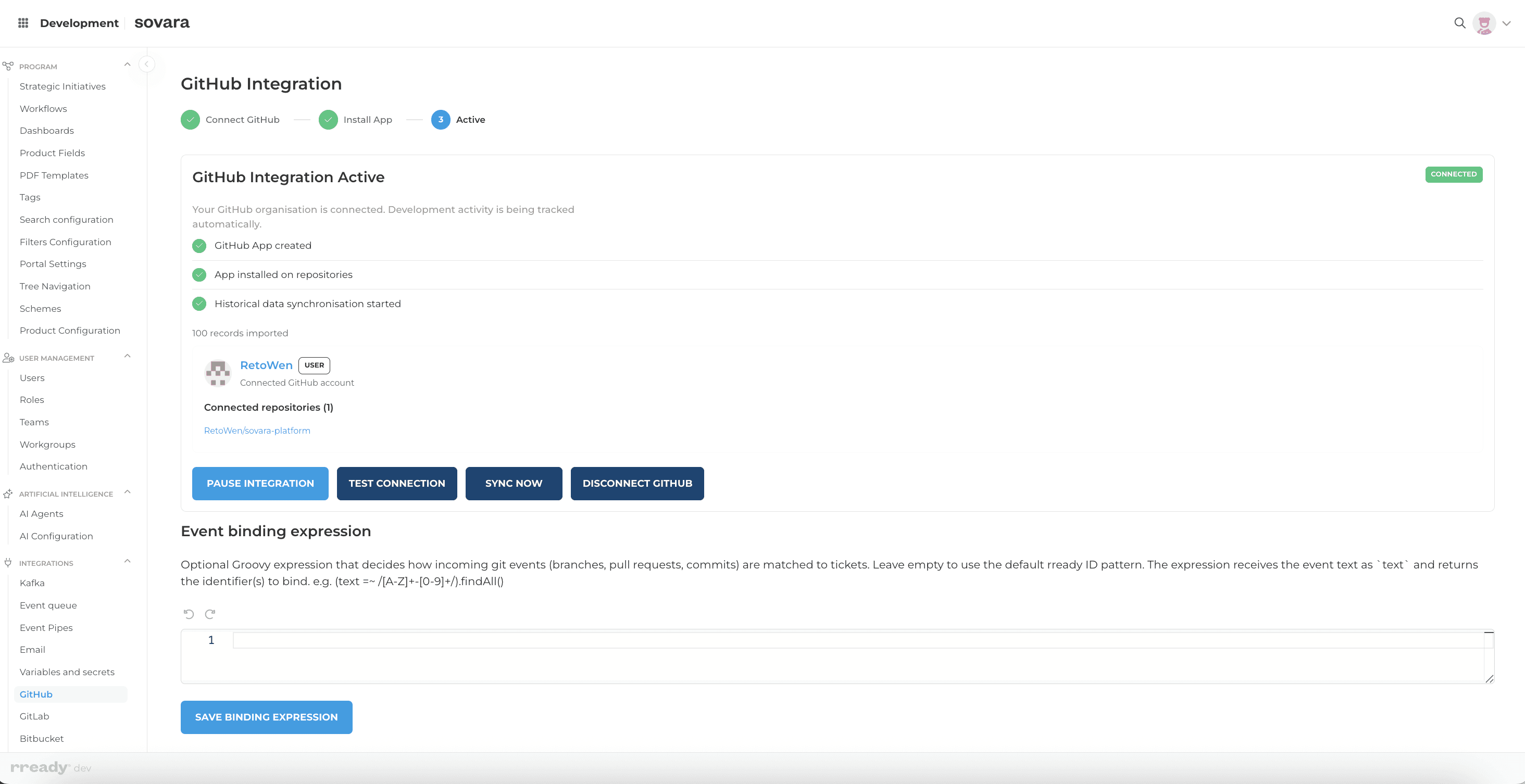
GitHub, GitLab, and Bitbucket Cloud can now be connected directly from the admin panel. Teams link innovation work to the repositories where it gets built — keeping development and delivery in the same view.
Find what you need — with filters that actually work
Search
Global search now supports configurable filters across all content types. Users narrow results by type, status, or custom fields — and admins control exactly which filters appear and how they match. Fewer irrelevant hits, faster access to what matters.
Team Performance Visibility
Agile
Comprehensive dashboards and reports for team performance, throughput, and work distribution metrics. Visual insights into sprint progress and team capacity.
Effort Tracking & Insights
Agile

Native time tracking per ticket with target/actual comparison and dedicated time tracking tab. Monitor effort allocation and improve estimation accuracy across sprints.
Smart Process Automation
Platform
Rule-based workflow automation with dynamic fields and orchestrator – functionally equivalent to Jira. Automate complex processes with conditional logic and field dependencies.
Visual Workflow Designer
Platform
Redesigned visual workflow editor with enhanced support for conditions, transitions, and post-functions. Intuitive interface for building complex workflow automations.
Templated PDF Reports
Platform
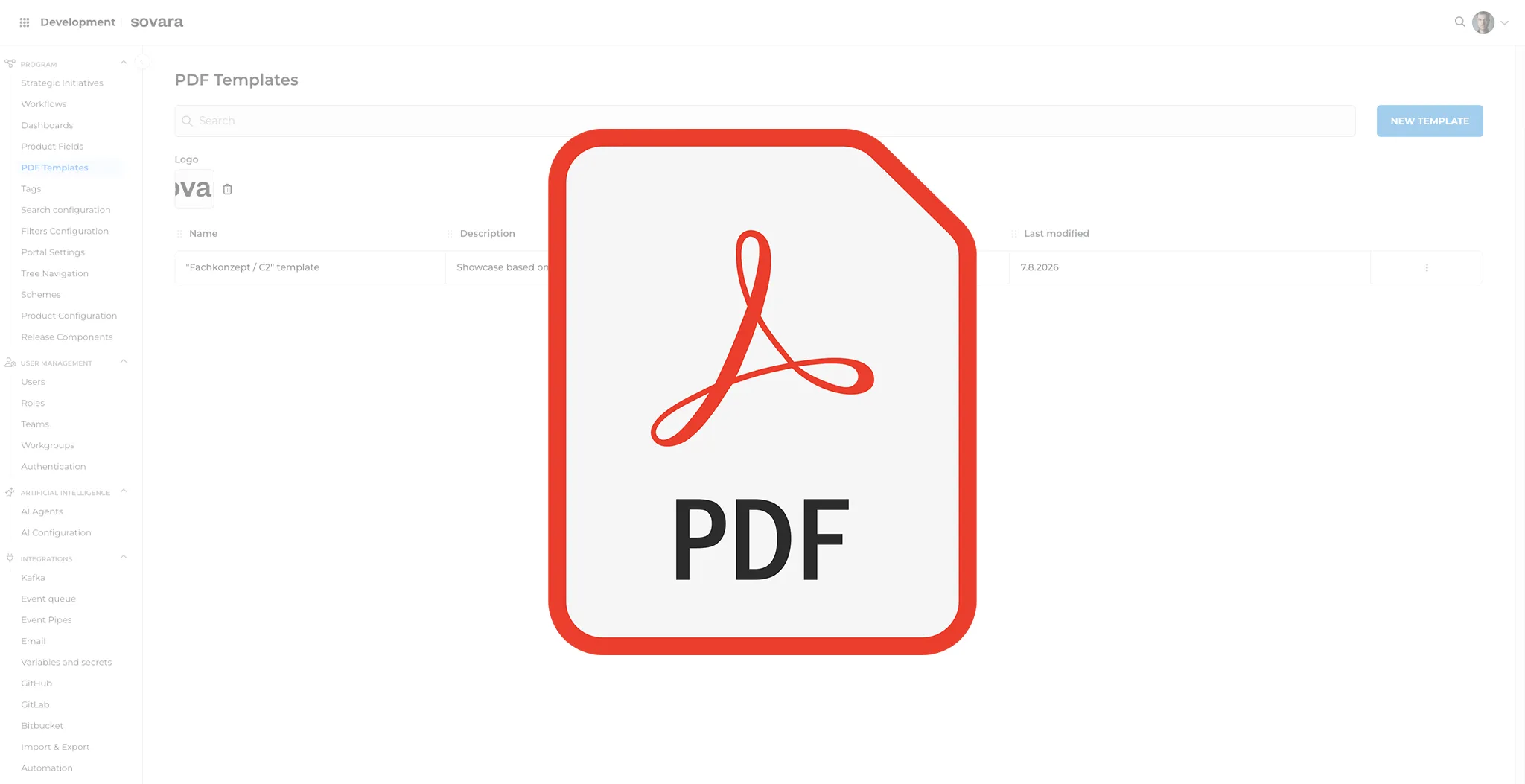
Export individual tickets as PDF based on centrally managed templates – select desired template directly during export. Flexible formatting options for documentation and reporting.
Auto-Synced Dependencies
Platform
Interactive Gantt view with cascading date dependencies. Adjusts dependent tickets automatically – ideal for waterfall-based project planning.
Direct Office Integration
Integrations
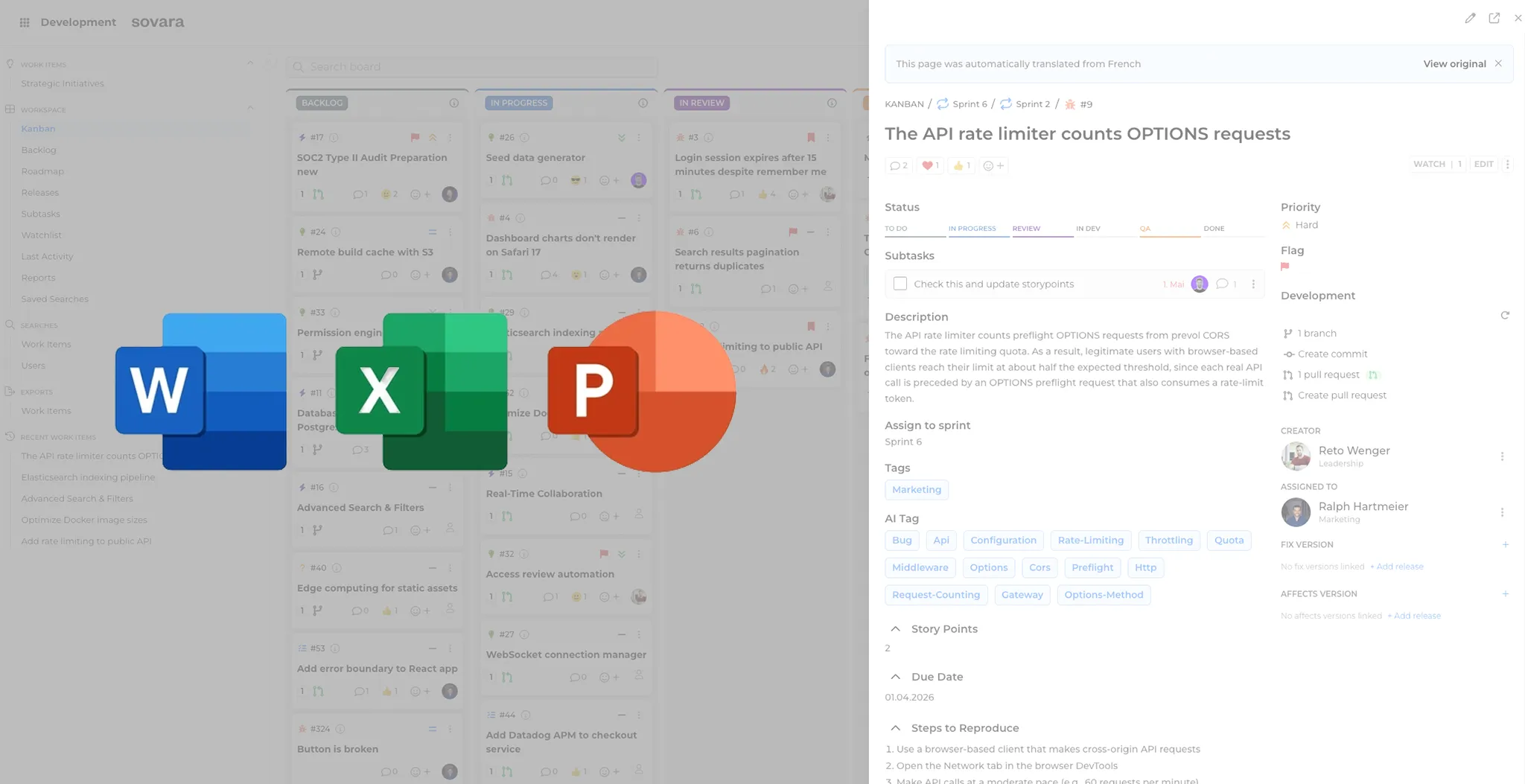
Office-Embed field that displays Office documents (Excel, Word, PowerPoint) inline and optionally makes them directly editable. Seamlessly integrate Microsoft Office content into your tickets.